Start with a team wiki
Make a copy of any template. It opens in your My Space, ready for you or your agent to fill in.
Start with a set for your team
Three templates that work together. Make a copy of each, or ask your agent to copy all three.
All templates
Each template is a finished document with sample content. Preview the real document, then make a copy.
18 templates
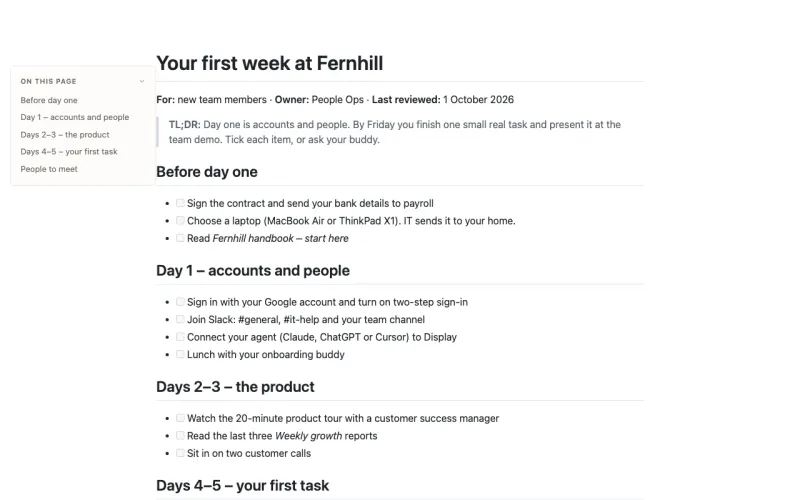
Onboarding guide template
A first-week onboarding checklist in plain Markdown – what to do before day one, accounts on day one, the product on days two and three, a first task, and the people to meet.
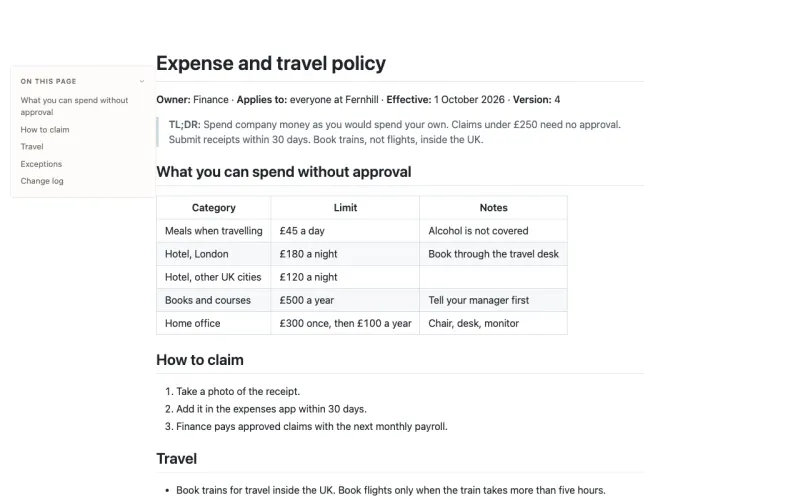
Policy page template
A company policy in plain Markdown – a TL;DR, limits in a table, how to claim, the rules, how to ask for an exception, and a dated change log.
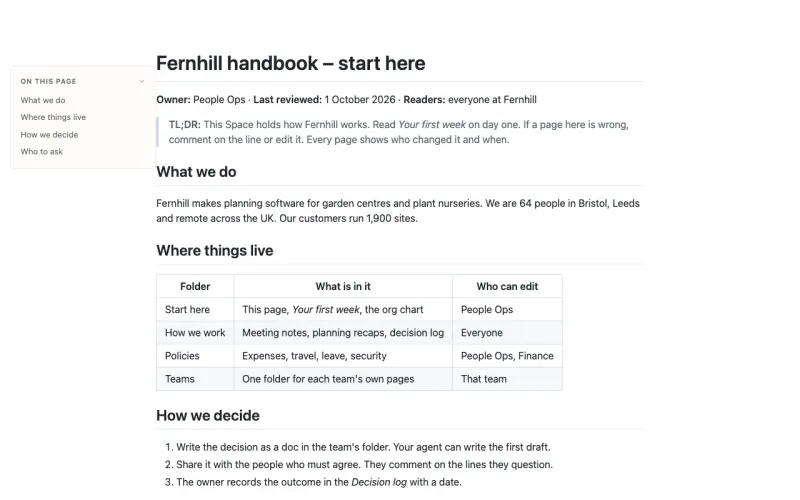
Team wiki template
The start page of an internal knowledge base in plain Markdown – what the company does, where each kind of doc lives, how decisions are made, and who to ask.
Audit report template
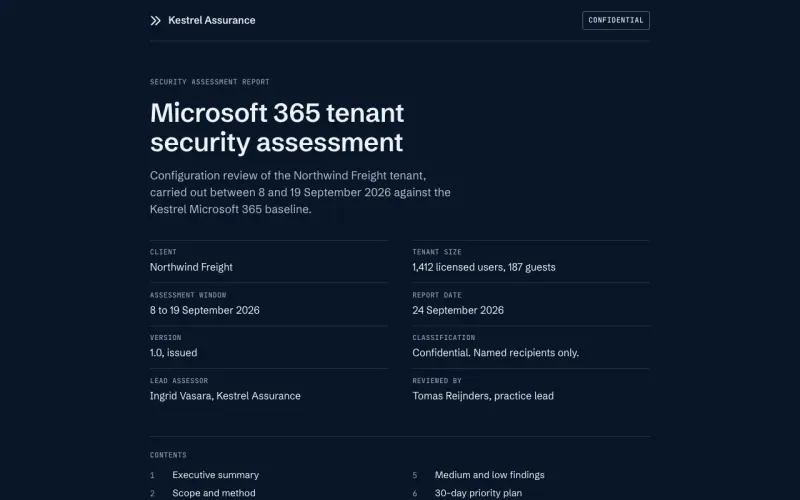
A security assessment report in one HTML file – executive summary with severity counts, scope and method, findings with evidence and fixes, a 30-day plan, and an appendix. Duplicate it, or hand the prompt to your agent.
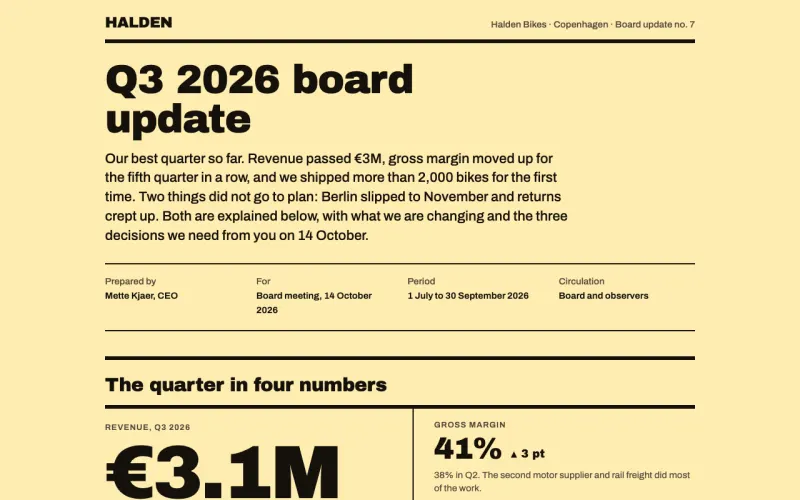
Board update template
A quarterly board update in one HTML page – headline numbers, what went well and what did not, a revenue chart, hiring and risk tables, and the decisions you need. Duplicate it, or hand the prompt to your agent.
Campaign recap template
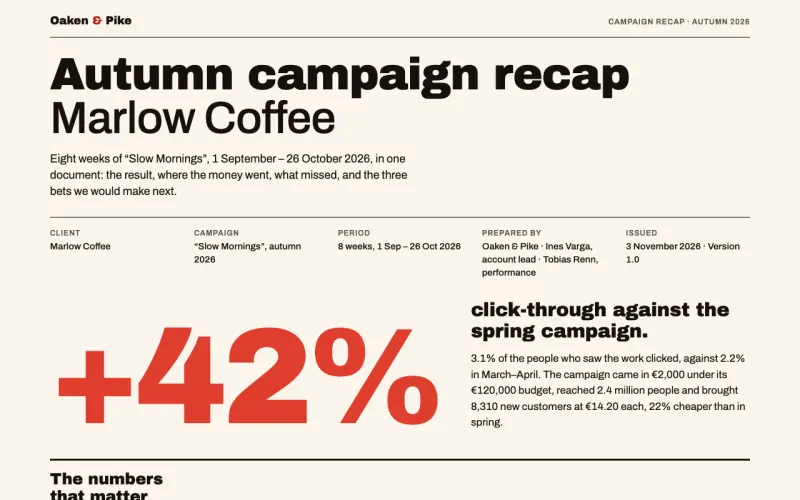
An agency campaign recap in one HTML page – the headline result, the numbers that matter, a weekly chart, a channel table, what worked, what did not, next bets, and budget versus spend. Duplicate it, or hand the prompt to your agent.
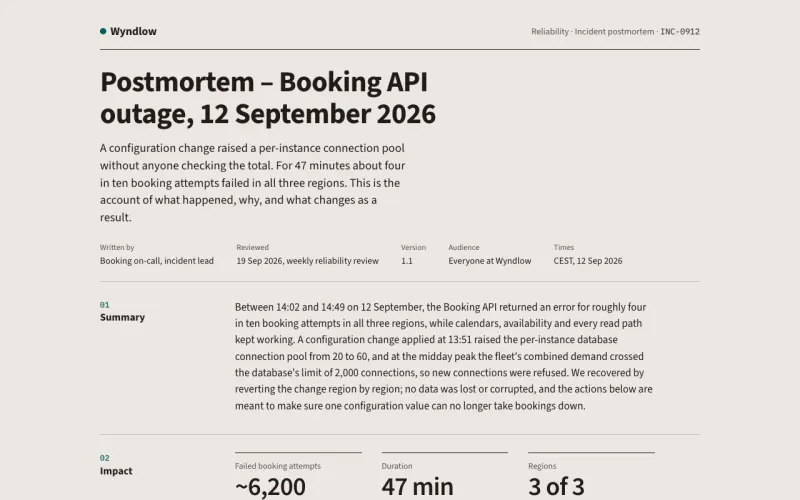
Incident postmortem template
A blameless postmortem in one HTML page – summary, impact, a timestamped timeline, root cause, contributing factors, what went well and badly, and owned action items. Duplicate it, or hand the prompt to your agent.
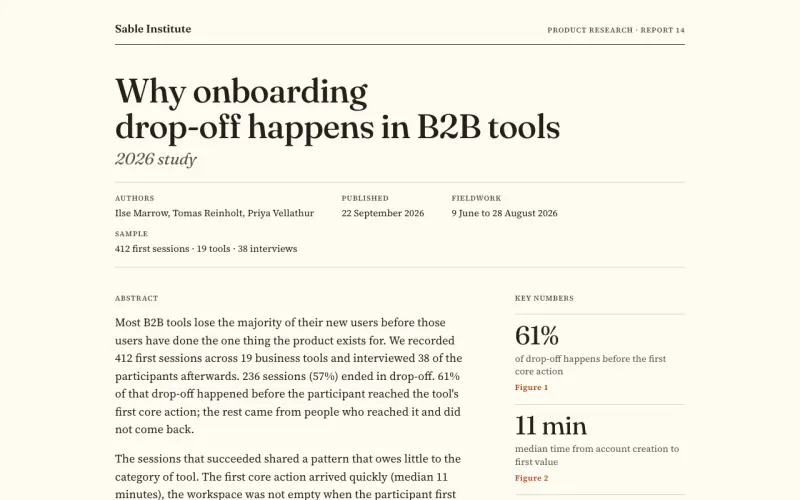
Research report template
An editorial research report in one HTML file – abstract, method, five findings each with a figure, recommendations, limitations, and an appendix. Duplicate it, or hand the prompt to your agent.
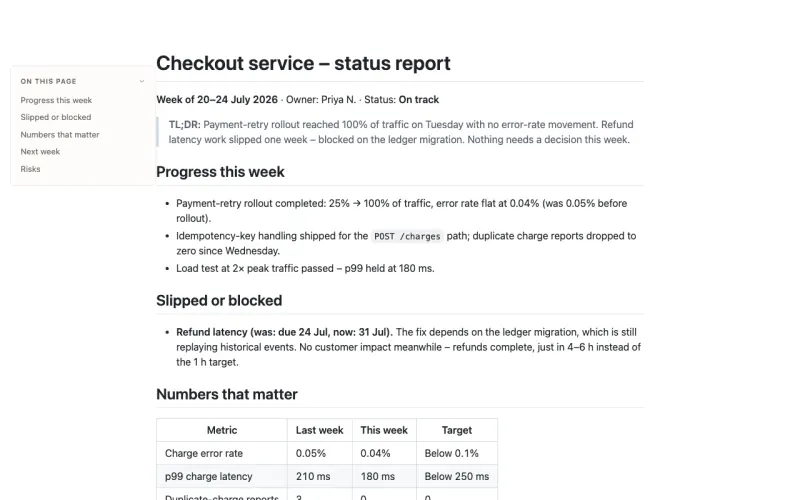
Status report template
A weekly status report in plain Markdown – TL;DR, progress, slips, the numbers that matter, and risks. Publish it to a URL in one click, no account.
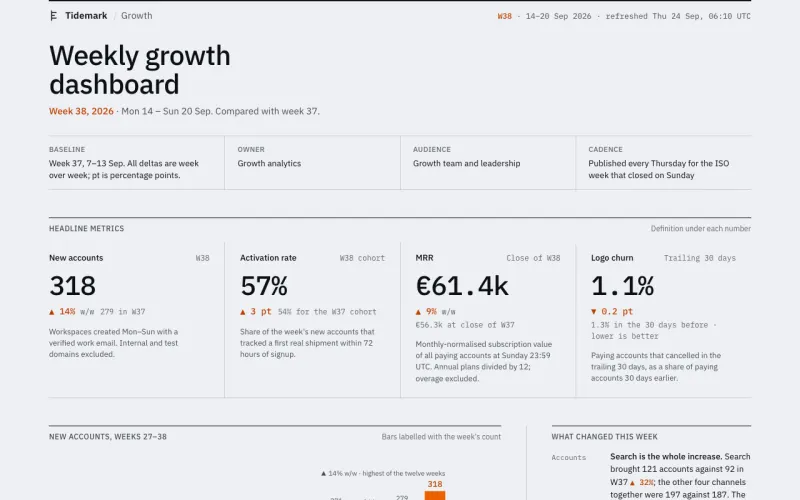
Data dashboard template
A weekly growth dashboard in one HTML file – four KPI tiles with the definition under each number, a 12-week chart, a channel table, and the data source. Duplicate it, or hand the prompt to your agent.
KPI report template
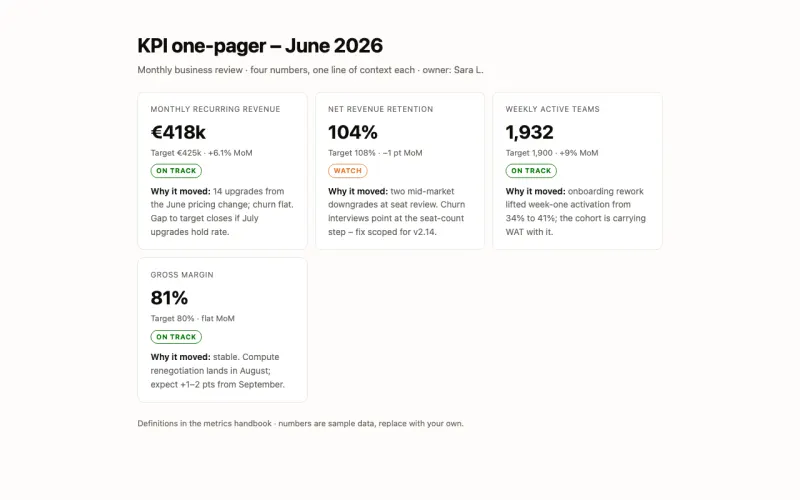
A KPI one-pager in self-contained HTML – four numbers, target vs actual, a status pill, and one line of why each moved. Publish it to a URL in one click, no account.
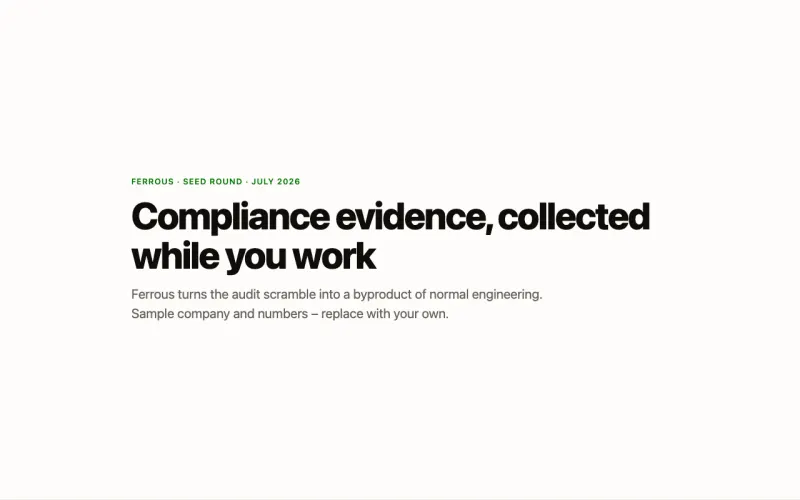
Pitch deck template
A seed pitch deck as an HTML page – problem, product, traction, market, team, ask – scroll-snap slides in one file. Publish it to a URL in one click, no account.
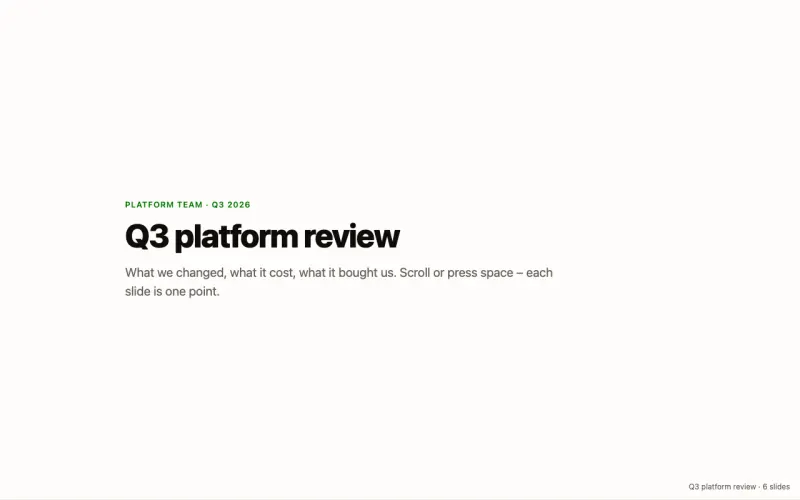
Slide deck template
An HTML slide deck – scroll-snap slides, stat cards, and a one-point-per-slide structure in a single file with no dependencies. Publish it to a URL in one click, no account.
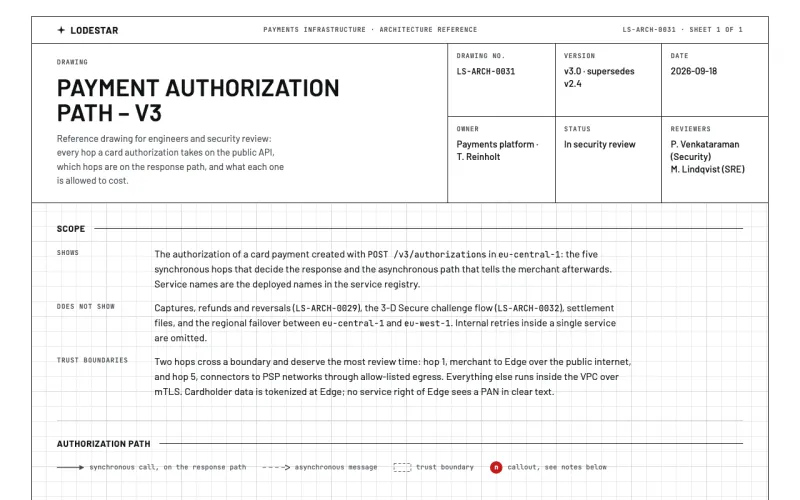
Architecture diagram template
A system diagram as a drawing sheet in one HTML file – title block, inline SVG diagram with numbered callouts, latency budget, failure modes, and a change log. Duplicate it, or hand the prompt to your agent.
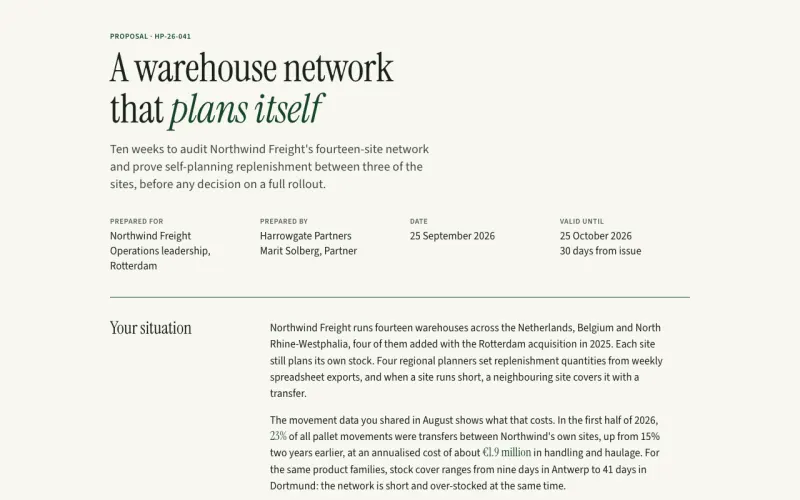
Client proposal template
A consulting proposal in one HTML page – situation, recommendation, three priced options with one recommended, scope, timeline, team, terms, and an approval block. Duplicate it, or hand the prompt to your agent.
Product spec (PRD) template
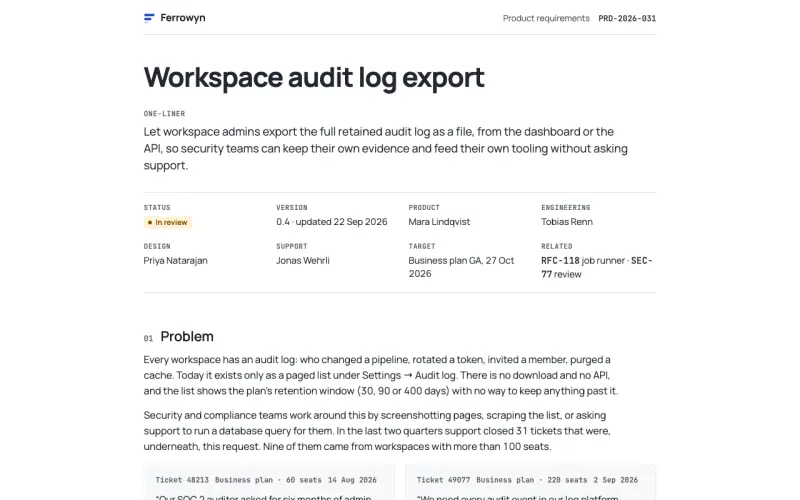
A one-page PRD in HTML – problem, goals, non-goals, a requirements table with IDs and status, a flow diagram, rollout plan, open questions, and a decision log. Duplicate it, or hand the prompt to your agent.
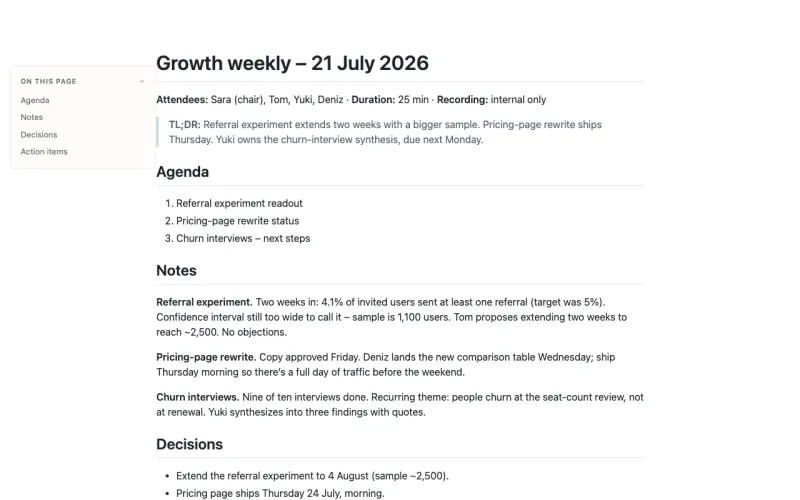
Meeting notes template
A repeatable meeting-notes format in plain Markdown – TL;DR, agenda, notes, decisions, and action items with owners. Publish it to a URL in one click, no account.
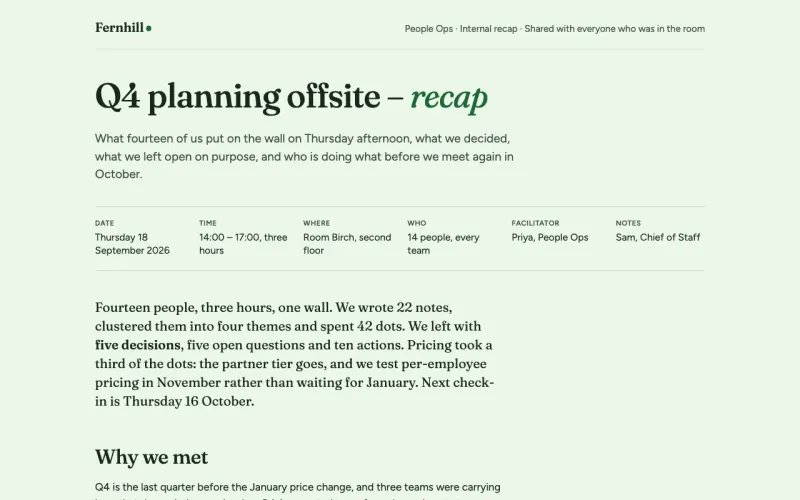
Workshop recap template
An offsite or workshop recap in one HTML page – the wall of sticky notes, decisions with owners, open questions, action items with dates, and the parking lot. Duplicate it, or hand the prompt to your agent.
How Make a copy works
Preview the real document
Every template is a full page with sample content, not an empty outline.
Choose who can open it
The copy opens in your My Space, private by default. Share it when it is ready.
Edit it, or ask your agent
Change a line in the browser, or ask Claude, ChatGPT or Cursor to fill it in from your files.
Keep your team's own templates
Put the documents your team reuses in a Templates folder. Everyone in your organization can make a copy.
Start with a template
Create a free account and make your first copy. No card needed.