Use cases
How product designers, agencies, marketers, engineers, analysts, founders, sales teams and operations teams work in Display
Teams use AI agents to create documents. Display gives each document one URL, where your team comments, edits and publishes the next version together.
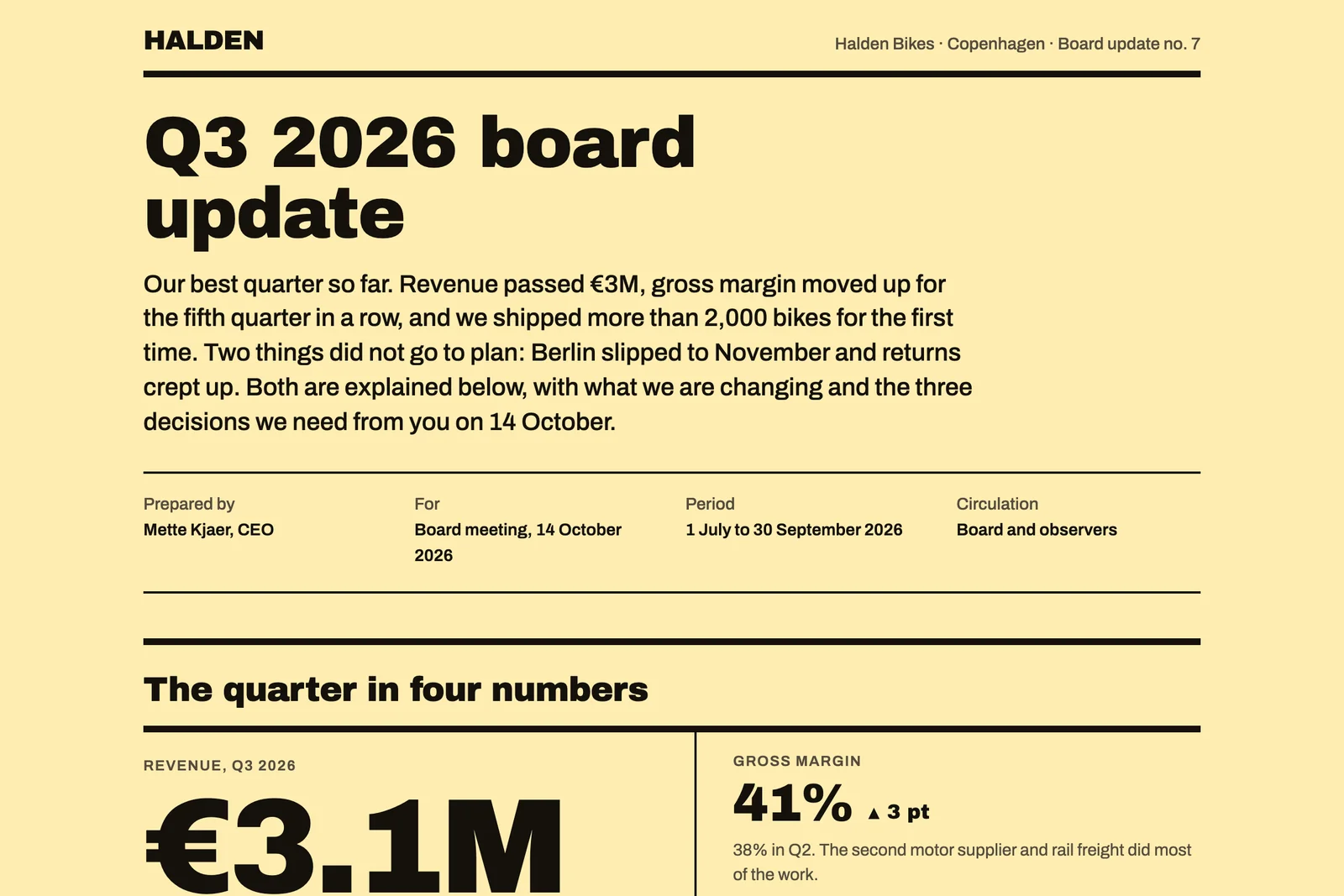
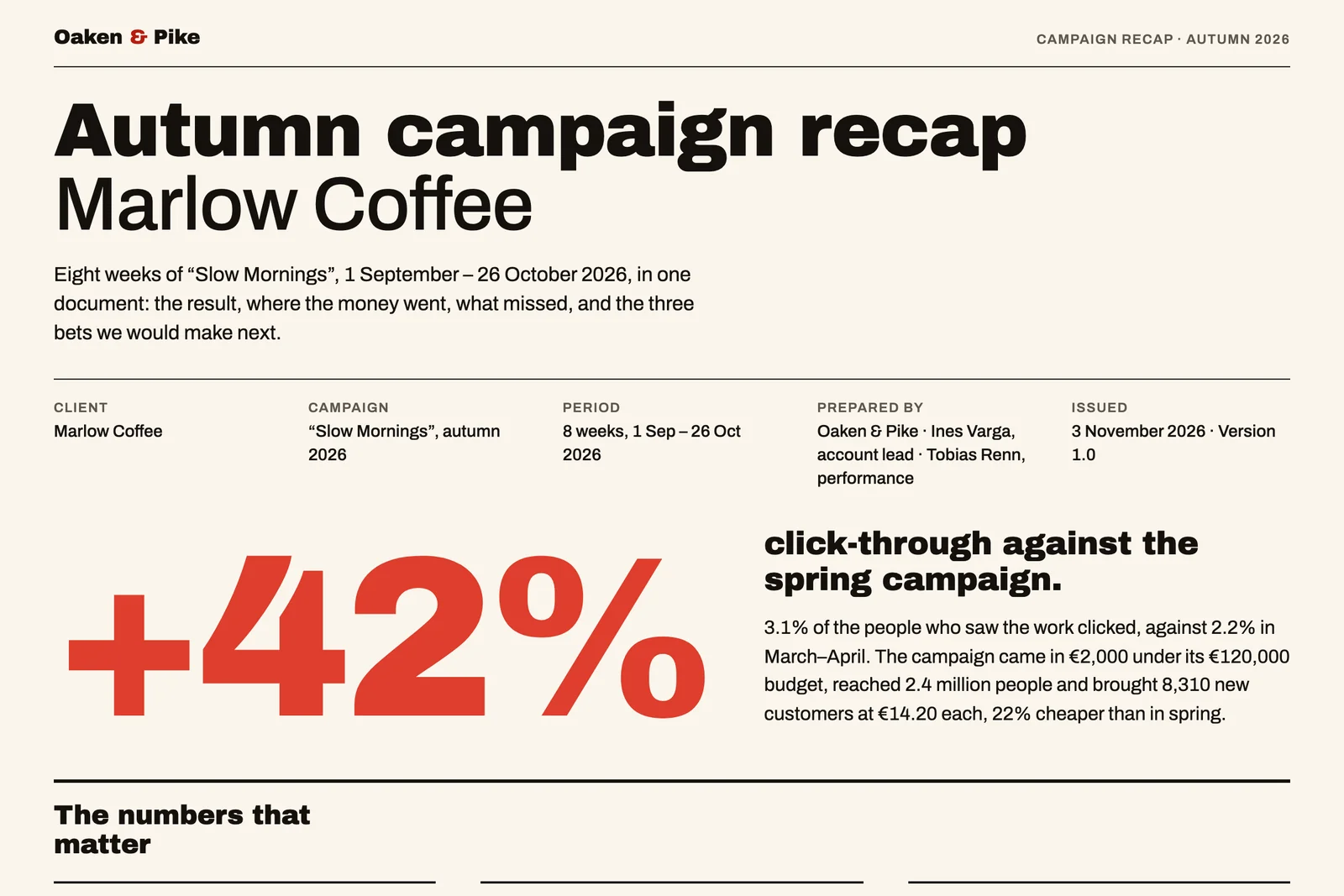
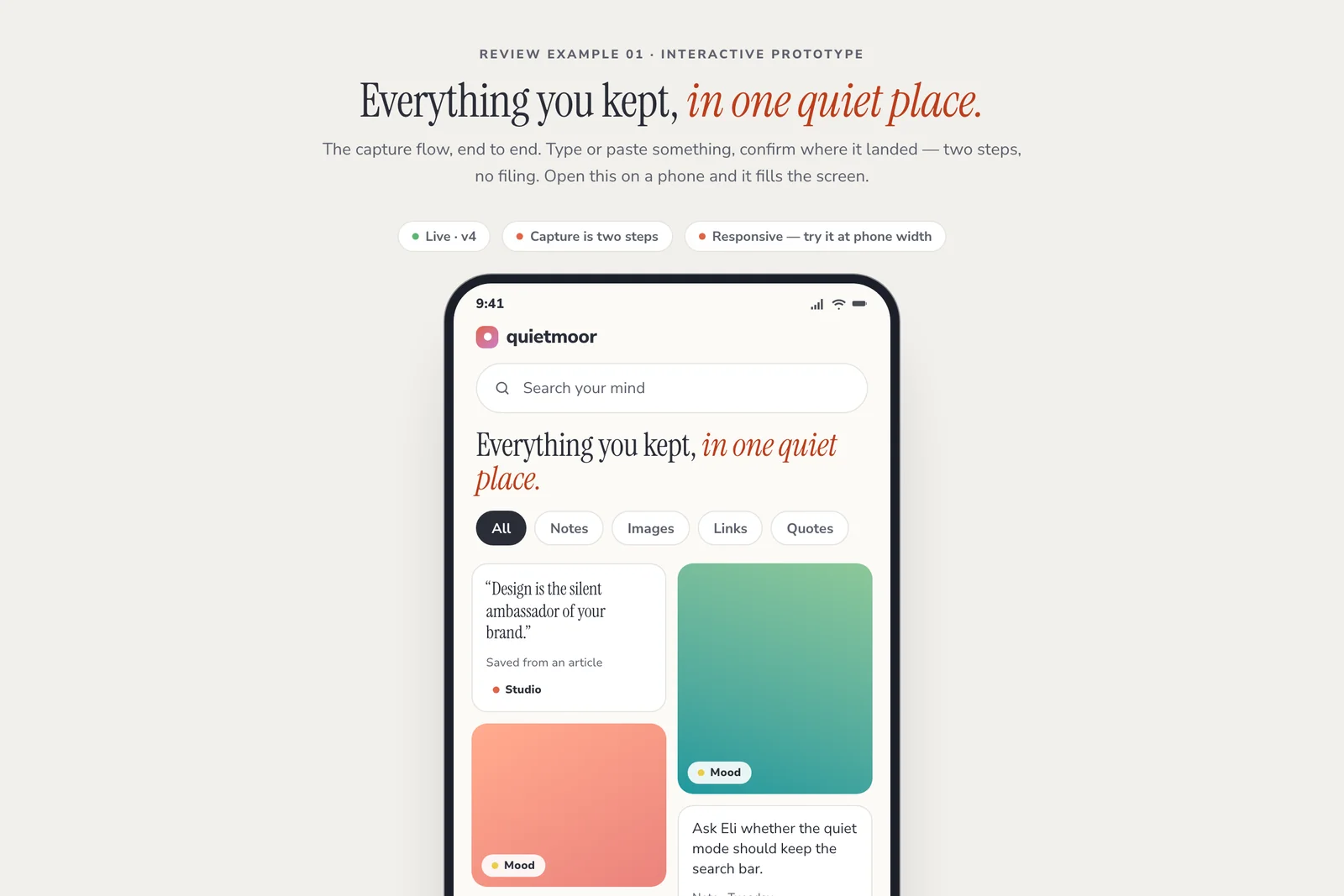
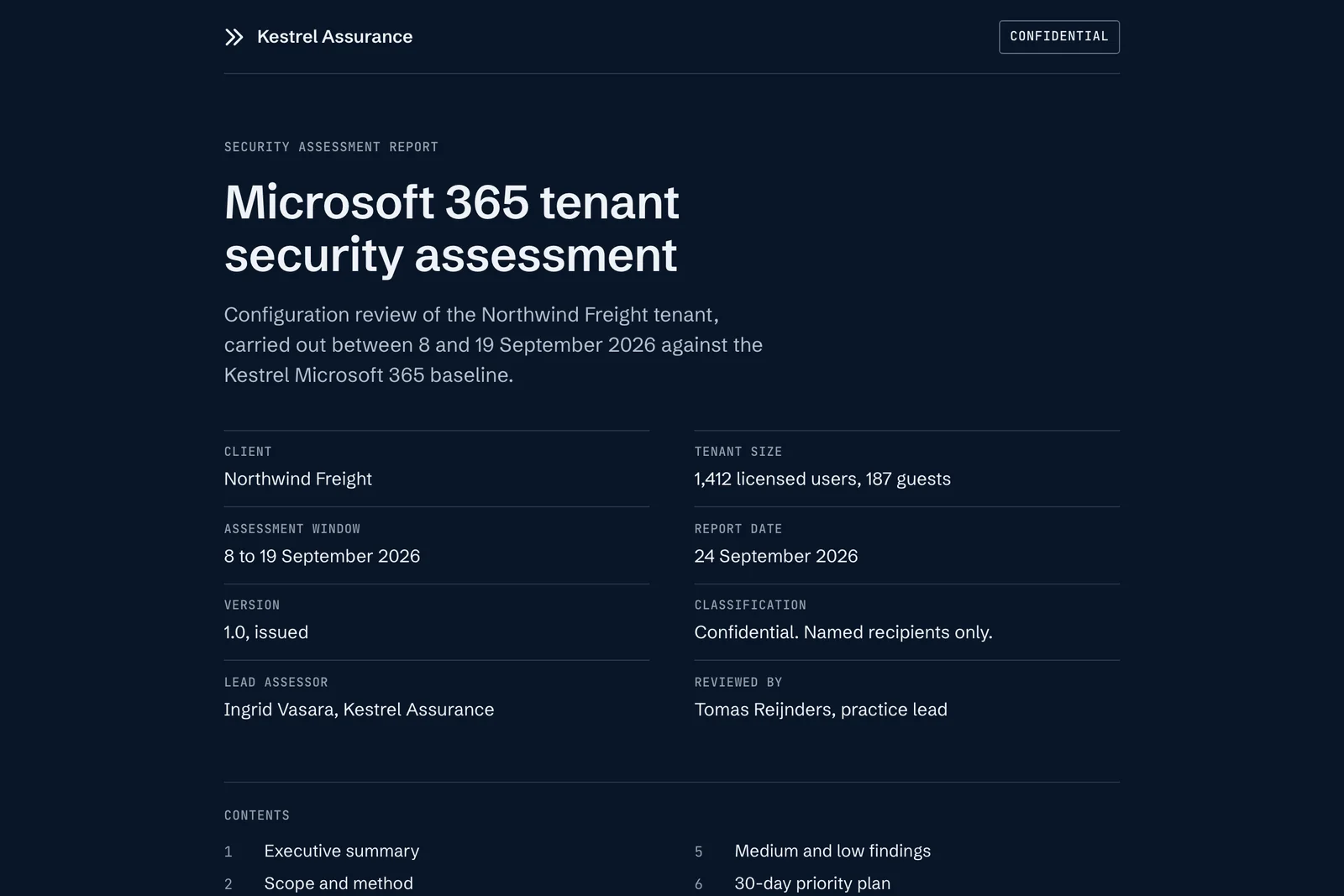
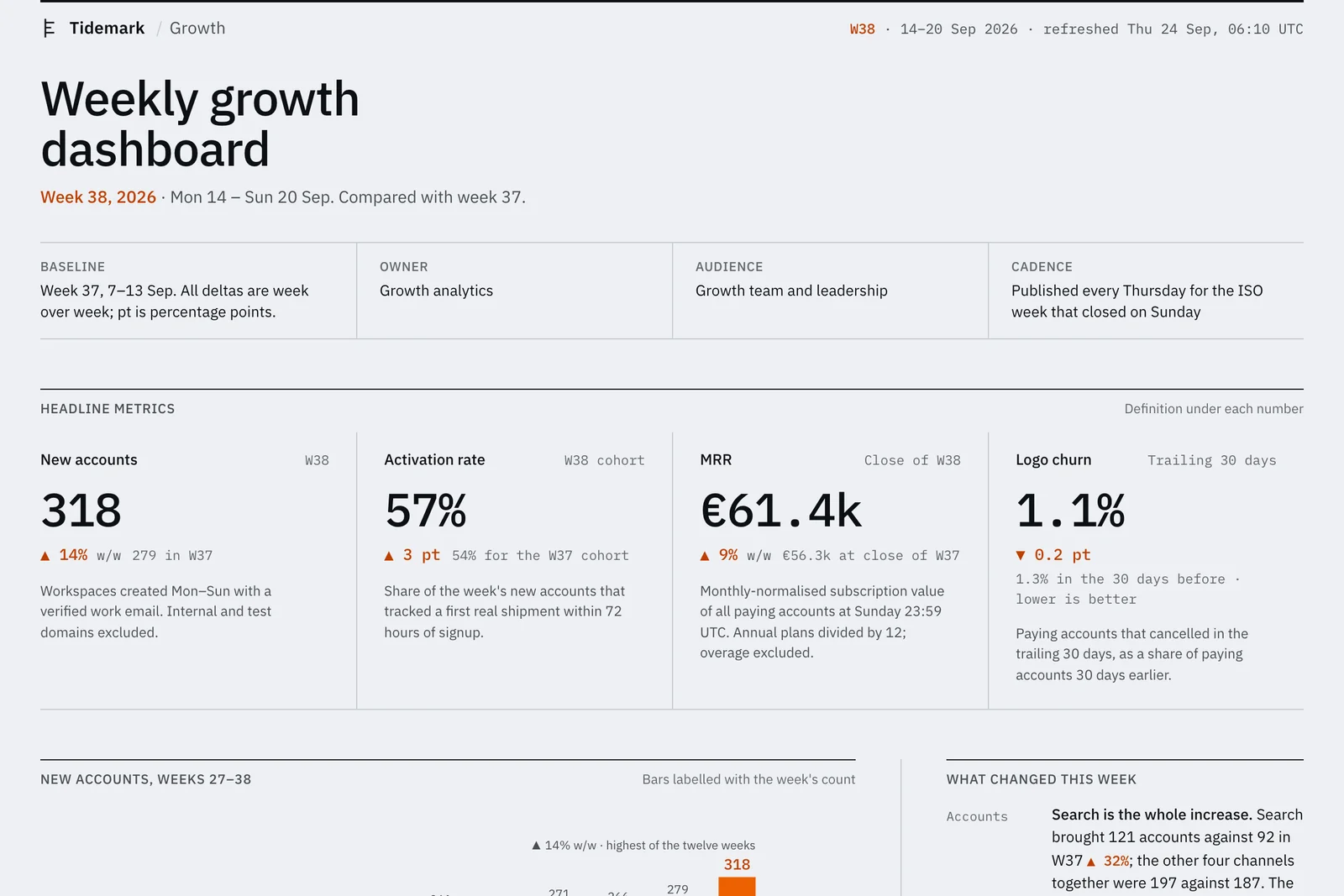
The examples are public Display documents, so they open without an account. The companies in them are fictional.
Product and design
Designers publish design explorations, prototypes and pre-build reviews. Your team opens the URL and comments on the screen they are reviewing. Your agent reads the comments and publishes the next version at the same URL.
Display for product designers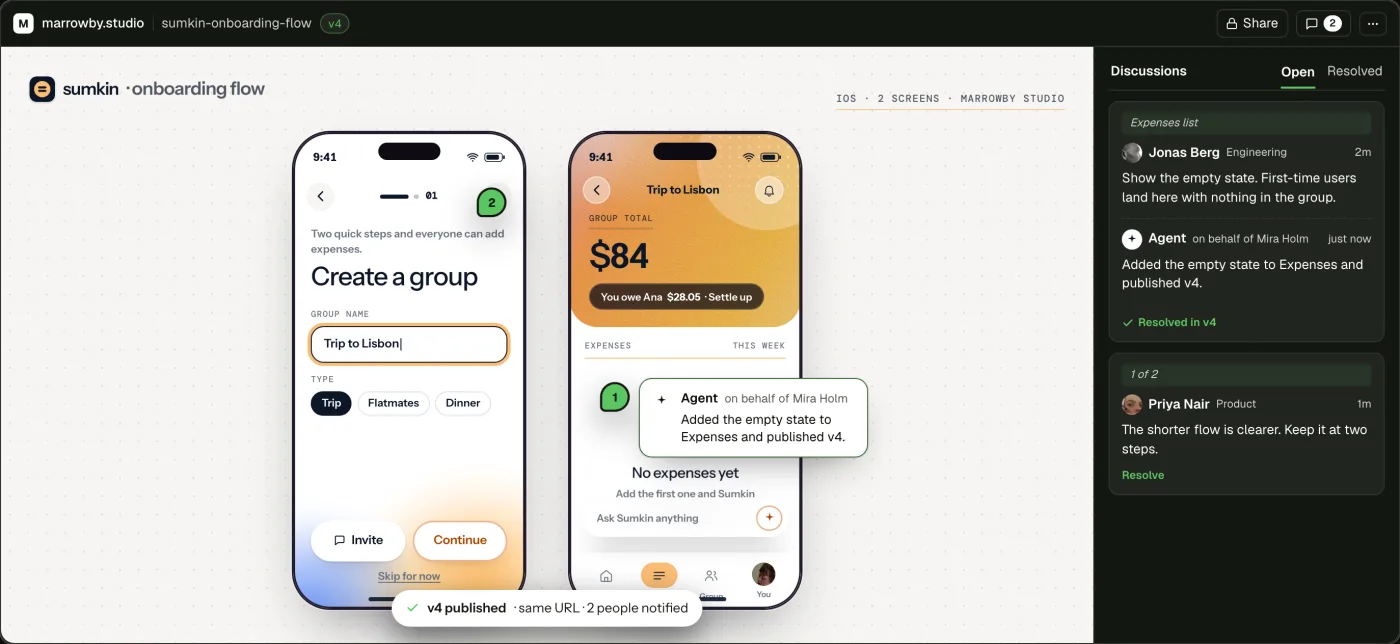
Agencies and consultancies
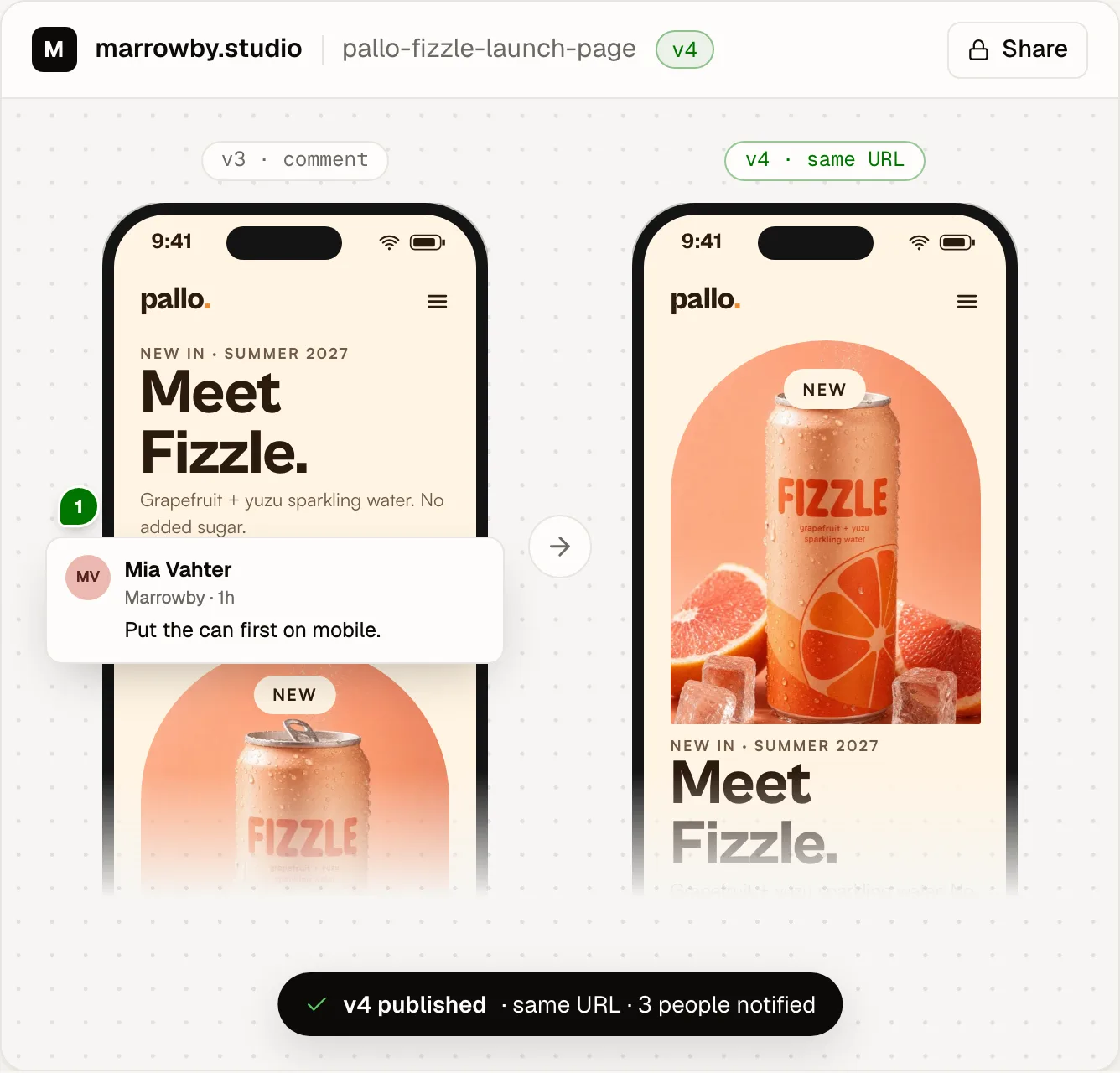
Agencies publish proposals, reports and client work as a URL instead of a PDF. The client opens it with a one-time password, and your team comments on the page. Your agent publishes each revision at the same URL.
“Most of what I send clients goes through Display – reports with sensitive data behind a password, landing page mockups and ideas, keyword research and strategy docs.”
Marketing
Marketing teams publish KPI reports, campaign plans and landing page mockups. Your team opens the URL and comments on the charts and slides. Your agent publishes next week's report as the next version at the same URL.
Display for marketing teamsSlow Mornings, week 6
Week 6 brought 1,870 new customers, our best week so far. One creator post on 7 October drove 22% of them. The cost per new customer is €14.23, down from €18.20 in spring.
- Brief two more creators before 14 October.
Agreed. Keep €2k in out-of-home for the store opening on 20 October.
Software engineering
Engineers publish feature prototypes, architecture diagrams and postmortems. Product, design and support open the URL and comment, without a GitHub account. Your agent reads the comments and publishes the next version at the same URL.
“Before Display, we were sharing artifacts in Slack. For HTML artifacts, this meant messy and often confusing screenshots. Display is a perfect elegant solution for us.”
Three ways to book a slot
Today 3.1% of bookings fail at confirm. Each direction cuts the time between seeing a slot and holding it.
- A · Calendar firstPick a day, then a time.MWWyndlowIntro callOctober 2026MTWTFSS12131415161718192021222324252627282930311
- B · Times firstPickedThe next free times, one tap each.1MWWyndlowIntro callNext free times09:3011:0014:3016:00
- C · One stepTime, name and email on one screen.MWWyndlowIntro callWed 14 Oct · 14:30Your nameyou@company.comConfirm
B tested best with Support. Build B, and keep the hold banner from A.
Data and analytics
Analysts publish dashboards and reports with working filters and charts. The business opens the URL without a BI license. Your agent publishes the next version on a schedule, and the link stays the same.
Leadership
Founders publish board updates, investor updates and plans. Only the people you add can open the URL, and on the Pro plan you can see who opened it. Your agent publishes the next version at the same URL.
| Views | Last viewed | |
|---|---|---|
| anna@nordvik.vc | 3 | 2 hours ago |
| jonas@fjordcapital.com | 2 | Yesterday |
| lars@haldenbikes.com | 1 | Yesterday |
Sales
Sales teams publish proposals and one-pagers for a prospect. Only the email addresses you add can open the URL. When the offer changes, your agent publishes the next version at the same URL.
Operations
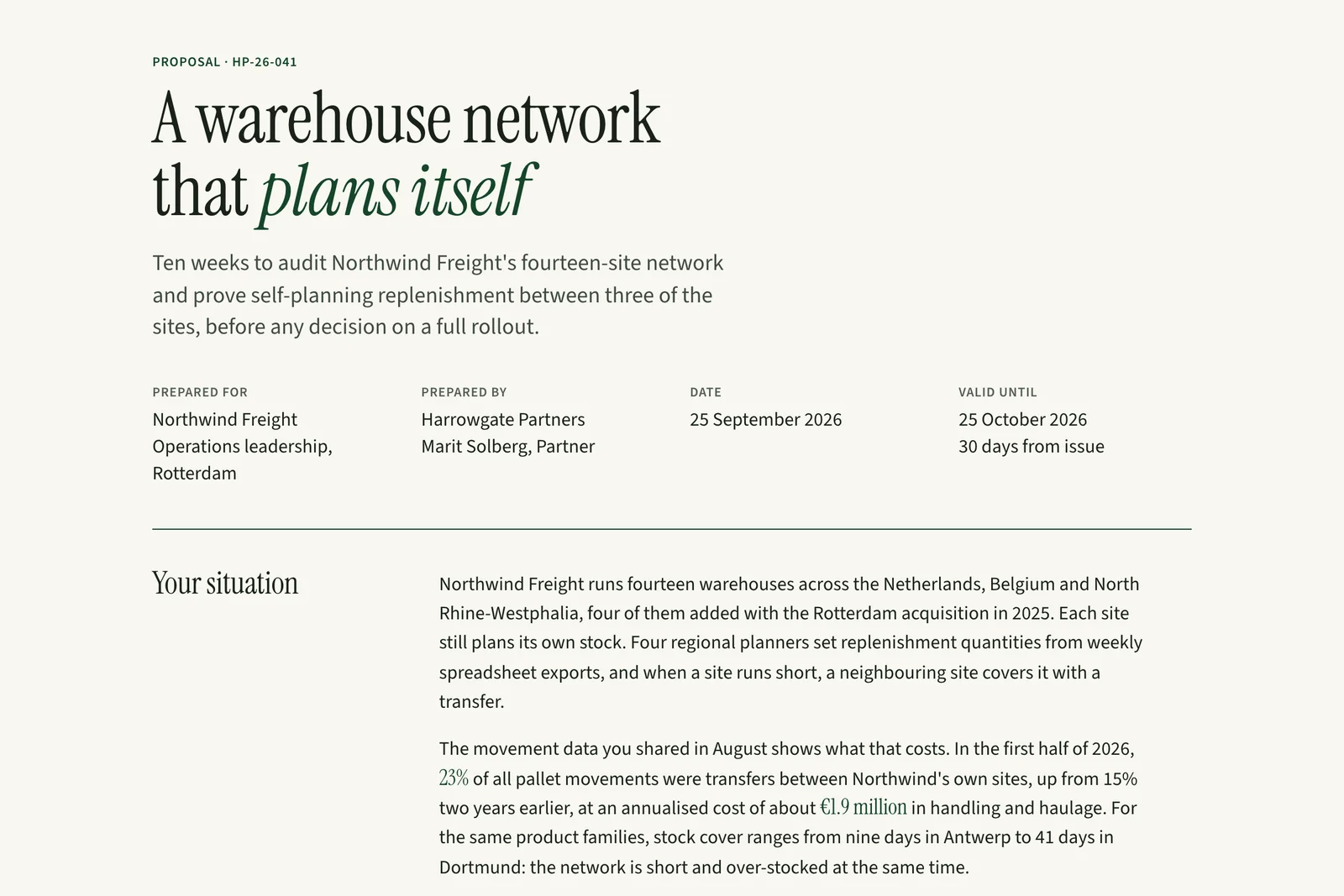
Operations teams publish meeting notes, plans and procedures. The whole company opens the URL and comments. Your agent publishes the next version at the same URL, so nobody reads an old copy.
“Display has already replaced Notion for me.”
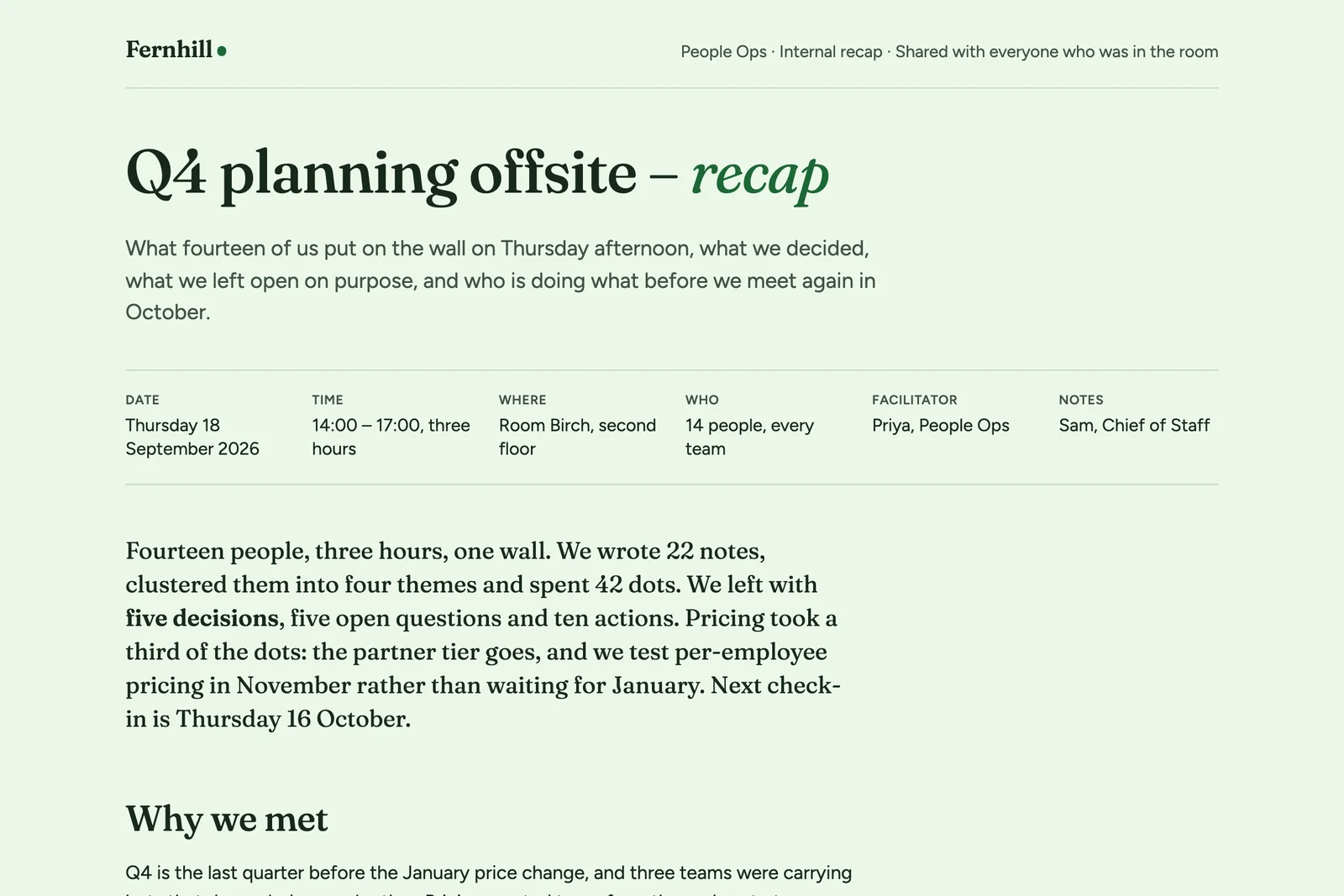
Add an owner to each of the ten actions.
Customer story
Kogan.com started with a few people.
The IT team at Kogan.com made Display available to about 150 people. Their dashboards refresh on a schedule at the same URL.
“We gave it to a few people, expecting the super users who’d been asking for a publishing platform. We didn’t realize the whole business would pick it up.”
 Rory PowellIT and AI Ops Manager, Kogan.comRead the Kogan story
Common questions
Do the people I share with need an account?
No. Readers sign in with a one-time password that Display sends to their email. On the Pro plan, people at your company can also sign in with their Google or Microsoft work account.
Which agents can publish to Display?
Any agent that writes an HTML or Markdown file can publish it. This includes Cursor, Codex, Claude Code and local models.
Can I share a document with people outside my company?
Yes. Add their email addresses to the document. You can also make a document public, so anyone with the link can open it.
Does the price change when more people read a document?
No. Every plan includes unlimited viewers.
Publish your first document
Your agent publishes the document. Your team opens one URL, comments, and gets the next version there.
 Cursor
 Codex
Codex